


Ethernet Cable Guide 2025: Types, Speeds & Expert PoE Tips

LINK-PP Official ·


Ethernet cables are the hidden engines that power the modern digital world. From lightning-fast data centers and enterprise networks to home offices and gaming setups, these cables form the physical foundation of every wired internet connection. Choosing the right Ethernet cable can dramatically improve your network's speed, reliability, and longevity — yet, many users still underestimate their importance.
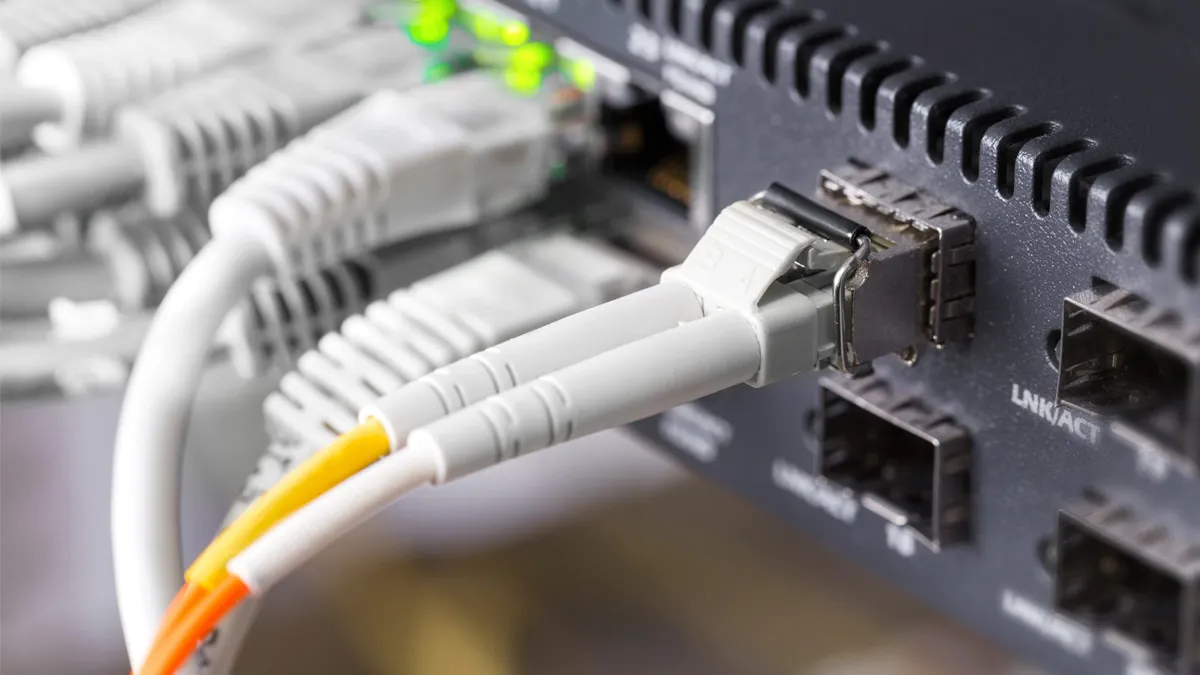
This guide breaks down everything you need to know about Ethernet cables — their categories, construction, shielding, and real-world performance — so you can make confident decisions whether upgrading your home Wi-Fi backbone or wiring an enterprise environment.
🔌 What Are Ethernet Cables?
Ethernet cables are copper-based data transmission cables used to connect network devices such as computers, routers, switches, and servers. They carry electrical signals that represent internet data, typically terminated with RJ45 connectors.
Unlike Wi-Fi, which is susceptible to interference and signal loss, Ethernet cables deliver stable, high-speed, and low-latency communication — essential for applications like gaming, streaming, and professional workloads.
⚙️ Ethernet Cable Categories Explained
Ethernet cables are classified into categories (or “Cat”) that define their speed, bandwidth, and frequency performance. As each new generation improves upon the last, older standards like Cat5 are being replaced by advanced types like Cat6A, Cat7, and Cat8.
| Category | Max Speed | Bandwidth (MHz) | Typical Use Case | Shielding Options | Standardized |
|---|---|---|---|---|---|
| Cat5e | 1 Gbps | 100 MHz | Home networks, basic offices | UTP / STP | ✅ Yes |
| Cat6 | 10 Gbps (≤55 m) | 250 MHz | Small businesses, streaming | UTP / STP | ✅ Yes |
| Cat6A | 10 Gbps (≤100 m) | 500 MHz | Enterprise, PoE+ devices | UTP / STP | ✅ Yes |
| Cat7 | 10 Gbps (≤100 m) | 600 MHz | Data centers (proprietary connectors) | Shielded | ⚠️ Not TIA approved |
| Cat8 | 25–40 Gbps (≤30 m) | 2000 MHz | Servers, switches, high-speed backbones | Shielded only | ✅ Yes |
💡 Pro Tip:
For most modern networks in 2025, Cat6A Ethernet cables strike the ideal balance between cost, speed, and future-proofing. Cat8 is best reserved for data centers or switch-to-switch connections.
📊 Shielding Types: UTP vs. STP vs. S/FTP
Shielding protects Ethernet cables from electromagnetic interference (EMI) and crosstalk, ensuring clean data transmission — especially critical in electrically noisy environments.
| Cable Type | Description | Best For |
|---|---|---|
| UTP (Unshielded Twisted Pair) | No foil or braid; light and flexible | Home or low-interference setups |
| FTP (Foiled Twisted Pair) | Single foil around all pairs | Moderate EMI environments |
| STP (Shielded Twisted Pair) | Foil around each pair | Industrial, office wiring |
| S/FTP (Shielded + Foiled Twisted Pair) | Foil per pair + braided overall shield | Data centers, server racks |
🧠 Quick Fact: Cat8 Ethernet cables are always shielded — ensuring signal integrity at ultra-high frequencies (up to 2000 MHz).
✨ Solid vs. Stranded Ethernet Cables
Ethernet cables come in two physical constructions:
-
Solid Ethernet Cables: Each conductor is a single copper wire.
- ✅ Best for permanent installations or long-distance runs.
- ❌ Less flexible; not ideal for frequent movement.
-
Stranded Ethernet Cables: Each conductor consists of multiple fine copper strands.
- ✅ Flexible, ideal for patch cables or desktop connections.
- ❌ Slightly lower performance over long runs.
⚙️ Pro Application Tip:
Use solid Cat6A cables inside walls or ceilings for stability, and stranded patch cables for devices and short-distance connections.
📊 Copper vs. CCA (Copper-Clad Aluminum)
When shopping for Ethernet cables online, you'll encounter CCA (Copper-Clad Aluminum) options that look identical to pure copper — but they're not equal.
| Material | Conductivity | Durability | PoE Compatibility |
|---|---|---|---|
| Pure Copper (100%) | Excellent | High | Fully compatible |
| CCA (Copper-Clad Aluminum) | Poor | Low | Risk of overheating |
⚠️ Avoid CCA Ethernet cables — they may be cheaper but fail to meet TIA/EIA performance standards, especially for Power over Ethernet (PoE).
📏 What Is AWG (American Wire Gauge)?
AWG measures wire thickness — and thicker wires mean less resistance and better signal quality.
| AWG Size | Diameter (mm) | Use Case |
|---|---|---|
| 24 AWG | 0.51 mm | Standard Ethernet installations |
| 26 AWG | 0.40 mm | Slim patch cables |
| 28 AWG | 0.32 mm | Space-saving, short patch cables |
Smaller AWG numbers = thicker wire = better performance.
For long runs or PoE, 24 AWG pure copper is ideal.
💡 Slim Ethernet Cables: Space-Saving Without Sacrificing Speed
As rack density increases in modern IT environments, slim Ethernet cables (28 AWG) are becoming more popular. They reduce airflow obstruction and cable clutter while still supporting 10 Gbps speeds — perfect for high-density patch panels.
However, note that signal attenuation is higher in thinner conductors, so these cables should be kept under 15 meters for best results.
⚡ Power over Ethernet (PoE) and Ethernet Cable Performance
Modern Ethernet cables not only transmit data but also deliver power to devices such as IP cameras, VoIP phones, and wireless access points.
When choosing Ethernet cables for PoE applications:
- Always prefer Cat6A or higher.
- Ensure 100% copper conductors for safe current delivery.
- Verify UL or ETL certification for compliance.
🔋 Cat6A cables can reliably deliver up to 100W under IEEE 802.3bt (PoE++) standard.
🤔 Integrated RJ45 Connector Solutions: Enhancing Ethernet Cable Reliability
While the Ethernet cable itself plays a major role in signal transmission quality, the connector interface is equally critical to long-term network stability. Traditional RJ45 modular plugs can introduce insertion loss or signal reflection if not precisely terminated. That's why modern Ethernet infrastructure increasingly adopts integrated RJ45 connector solutions—pre-engineered components that combine the magnetic module and Ethernet interface into a single, shielded housing.
Among leading providers, LINK-PP has developed a series of Integrated RJ45 Connectors designed to ensure maximum electrical performance across Gigabit and 10GBASE-T networks. Each connector integrates transformer magnetics directly within the RJ45 jack, reducing crosstalk, improving EMI suppression, and optimizing return loss for high-speed Ethernet cable links.

These solutions are widely adopted in PoE switches, industrial Ethernet devices, and network interface cards (NICs), offering a compact footprint and simplified PCB layout. For enterprises upgrading from Cat5e to Cat6A or higher, using cables with integrated connector modules can further enhance performance consistency—especially in dense data center environments.
By combining high-quality Ethernet cables with LINK-PP's integrated RJ45 connectors, network designers can achieve a fully optimized signal chain that meets or exceeds ANSI/TIA-568.2-D and IEEE 802.3 specifications for copper Ethernet transmission.
🌐 Future-Proofing Your Network
With the arrival of multi-gigabit internet, AI edge servers, and IoT devices, Ethernet cabling is once again a critical upgrade path. Investing in Cat6A or Cat8 Ethernet cables today ensures you won’t have to rewire for the next decade.
| Future Application | Recommended Cable |
|---|---|
| 1–2.5 Gbps home fiber | Cat6 |
| 5–10 Gbps office LAN | Cat6A |
| 25–40 Gbps data center | Cat8 |
| PoE++ security systems | Cat6A (24 AWG copper) |
🧠 Common Myths About Ethernet Cables
-
“All Ethernet cables are the same.”
❌ False — cable category, shielding, and material drastically affect performance. -
“Cat8 is always faster.”
⚠️ Not necessarily — only in high-speed switch-to-switch or server environments. -
“Wi-Fi 6 eliminates the need for cables.”
❌ Even with Wi-Fi 7, Ethernet cables remain essential for low-latency and interference-free connections.
🏁 Final Thoughts: Choosing the Best Ethernet Cable for Your Needs
To get the most from your network, choose Ethernet cables based on performance, distance, and application — not just price.
For most 2025 installations:
- Go with Cat6A 100% copper for reliable long-term use.
- Use shielded (STP or S/FTP) versions in high-EMI areas.
- Opt for Cat8 only when you truly need 25–40 Gbps backbone links.
❓ FAQ
What is an Ethernet cable used for?
An Ethernet cable connects devices such as computers, switches, and routers within a wired network, enabling stable and high-speed data transmission compared to Wi-Fi.
Which Ethernet cable is best for gaming?
Cat6A or Cat7 cables are best for gaming because they reduce latency, minimize interference, and support data speeds up to 10Gbps or higher.
Is Cat8 Ethernet cable worth it for home use?
Cat8 cables offer extremely high performance (up to 40Gbps), but they are overkill for most home users. Cat6A provides the best balance of speed, cost, and compatibility.
How long can an Ethernet cable be without losing signal quality?
For Cat5e, Cat6, and Cat6A cables, the recommended maximum length is 100 meters (328 feet) to maintain optimal performance and signal integrity.
Are LINK-PP Ethernet cables compatible with major switch brands?
Yes. LINK-PP Ethernet cables are fully compatible with Cisco, HP, Arista, Juniper, and other major networking equipment brands, meeting ANSI/TIA-568.2-D and ISO/IEC 11801 standards.
📚 Related Reads
Tags:

-
Nav Menu
-
About LINK-PP
-
All Products
-
Applications